
Virtual try-on app
Get the Virtual Change Room app.
Phone, tablet or laptop - one account, and every try-on you keep is waiting on whichever one you pick up next.
Your first two try-ons are on us. No ads, ever.
In your browser
Nothing to install or update. Open it and start trying outfits on.
Open it now - freeAndroid
Install it from Google Play and sign straight in.

iPhone and iPad
On its way to the App Store. Anything you make now will be there when it lands.
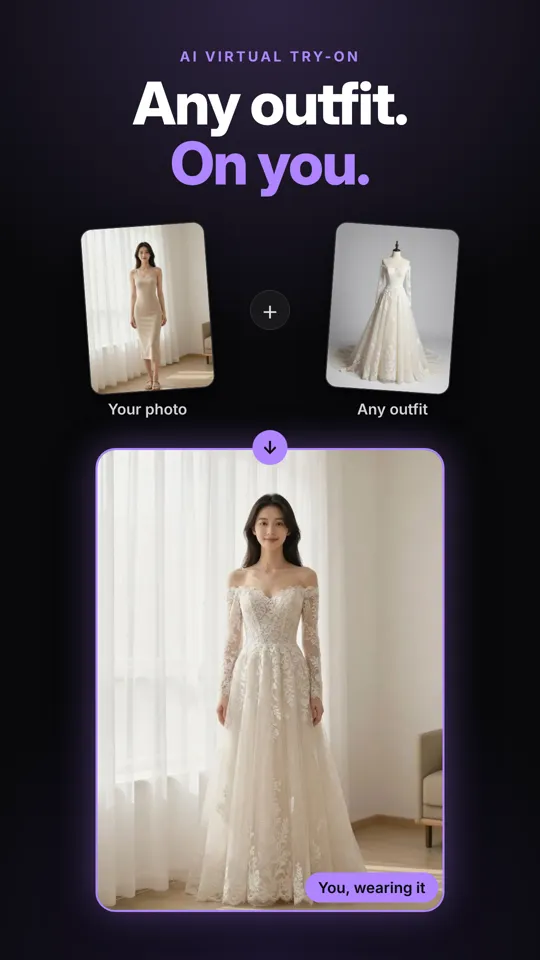
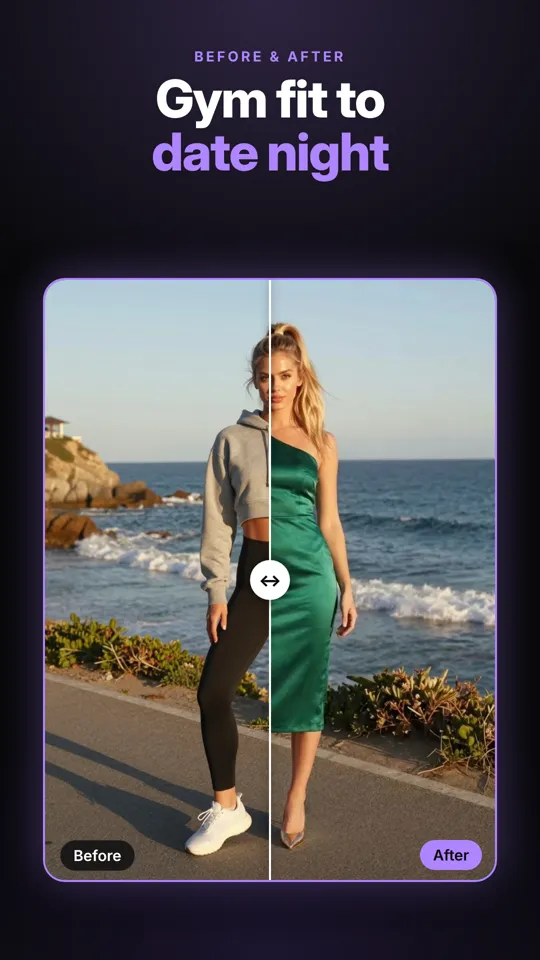
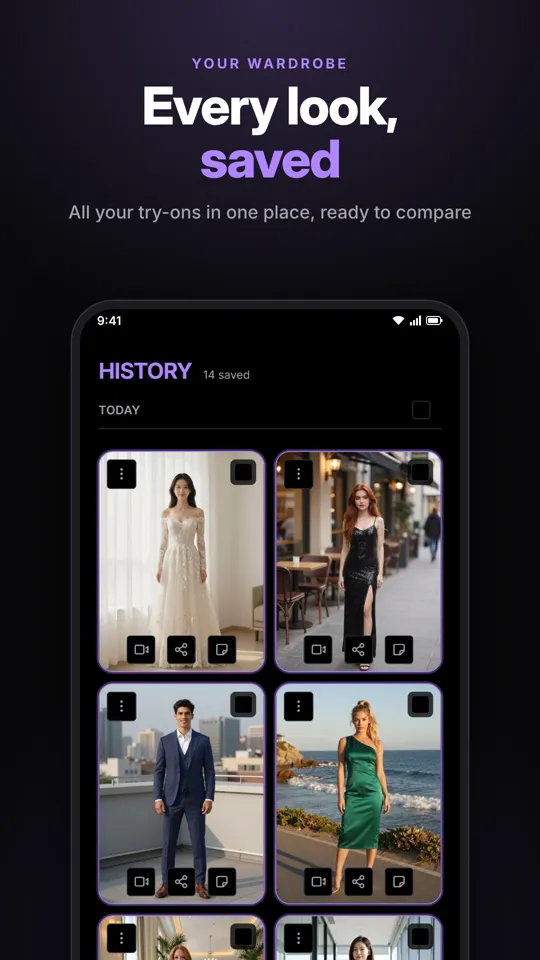
Inside the app.
One photo of you, any outfit you can find a picture of, and every look saved to compare.
App questions
Do I need to download anything?
No. Virtual Change Room runs in the browser on any phone, tablet or computer - open it, sign in and start trying outfits on. The Android app is there too if you'd rather tap an icon. See how it works.
Is there an Android app?
Yes. Install it from Google Play and sign in with the same account - everything you have made is already there. Get it on Google Play.
Is there an iPhone app?
It's on its way to the App Store. Until then it works in Safari on any iPhone or iPad: tap Share, then "Add to Home Screen" for the icon.
Will my try-ons be on all my devices?
Yes. Everything lives in your account, so a try-on you make on your phone is waiting on your laptop, and in the app.
Is it free?
Your first two try-ons are on us. After that, try-ons use credits - the cost is on the button before you tap it, and there is no subscription required. See pricing.
More questions? See the full FAQ.